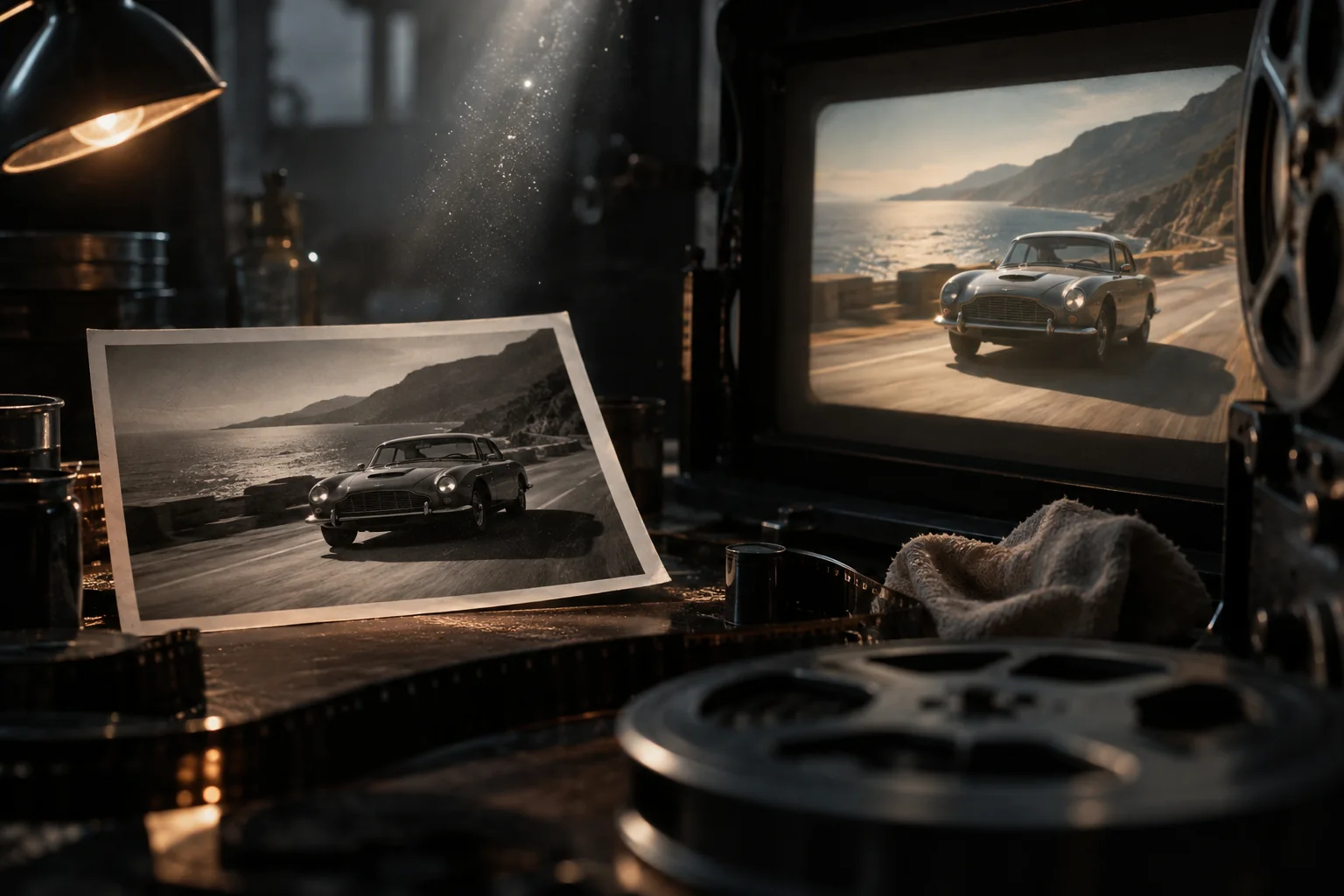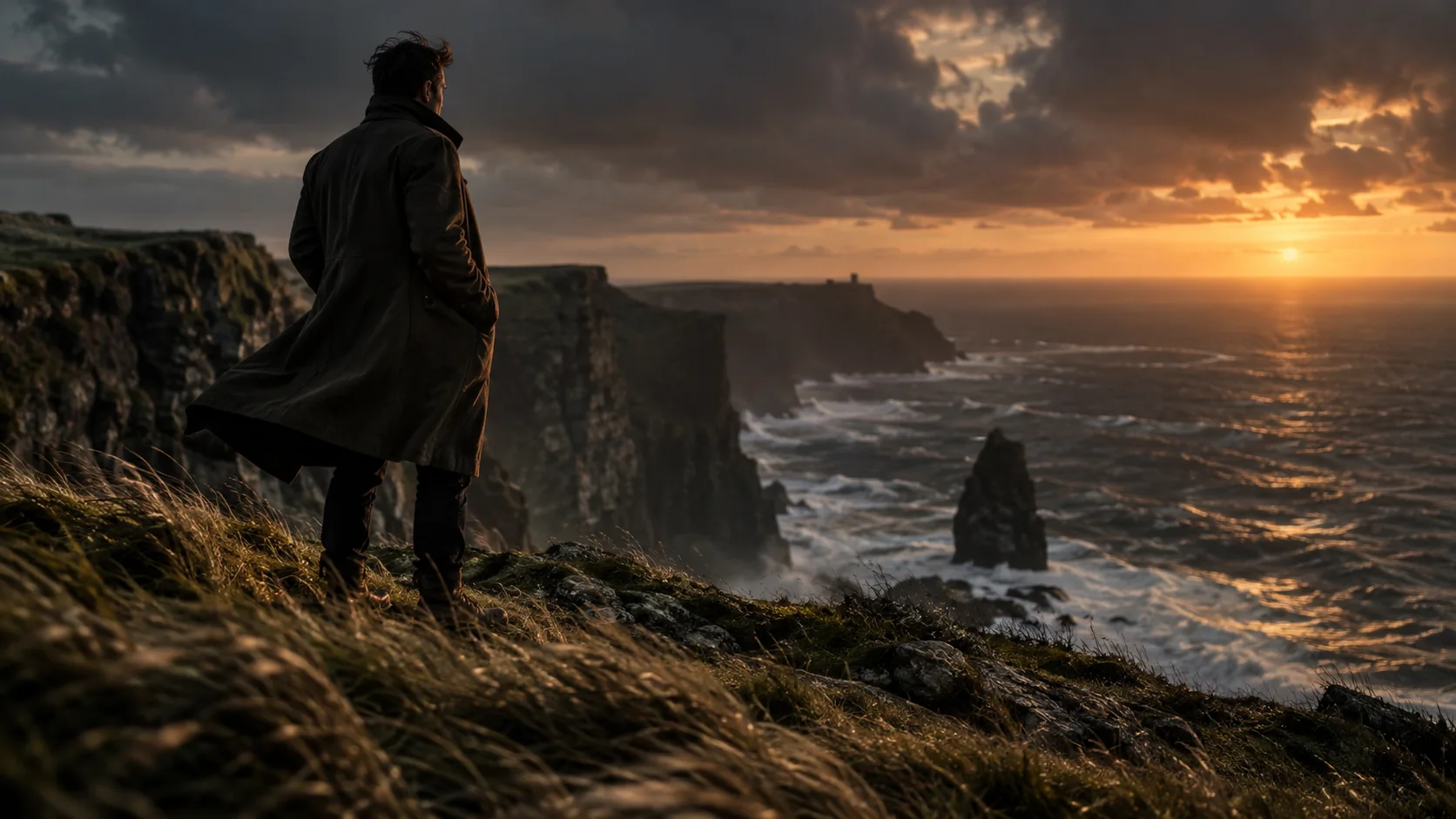
Turn stills into motion

Photo to Video: Animate Any Still in Minutes

Photo to Video turns one still image into a vivid clip ready for social feeds, ads, and family chats. Upload a portrait, product shot, or landscape, choose a motion style, and download a smooth animated result in under a minute. No timeline editing, no plugins, no learning curve: our image-to-video engine handles camera moves, depth, and pacing for you. Start free with three runs a day, upgrade for watermark-free HD, and watch yesterday's photos move, breathe, and grab attention.

Product preview placeholder in dark mode

Loved by creators turning stills into motion

Nvidia LogoColumn LogoGitHub LogoNike LogoLaravel LogoLilly LogoLemon Squeezy LogoOpenAI LogoTailwind CSS LogoVercel LogoZapier Logo

FEATURES

Everything you need to animate stills

Every photo to video run starts from the same simple upload box and ends with a clip you are proud to post. Adjust motion strength, camera drift, and clip length with plain-language controls, then preview each change instantly in your browser. Styles range from subtle Ken Burns pans to lively cinemagraph loops, so portraits, products, pets, and places each get movement that fits the mood.
FEATURES

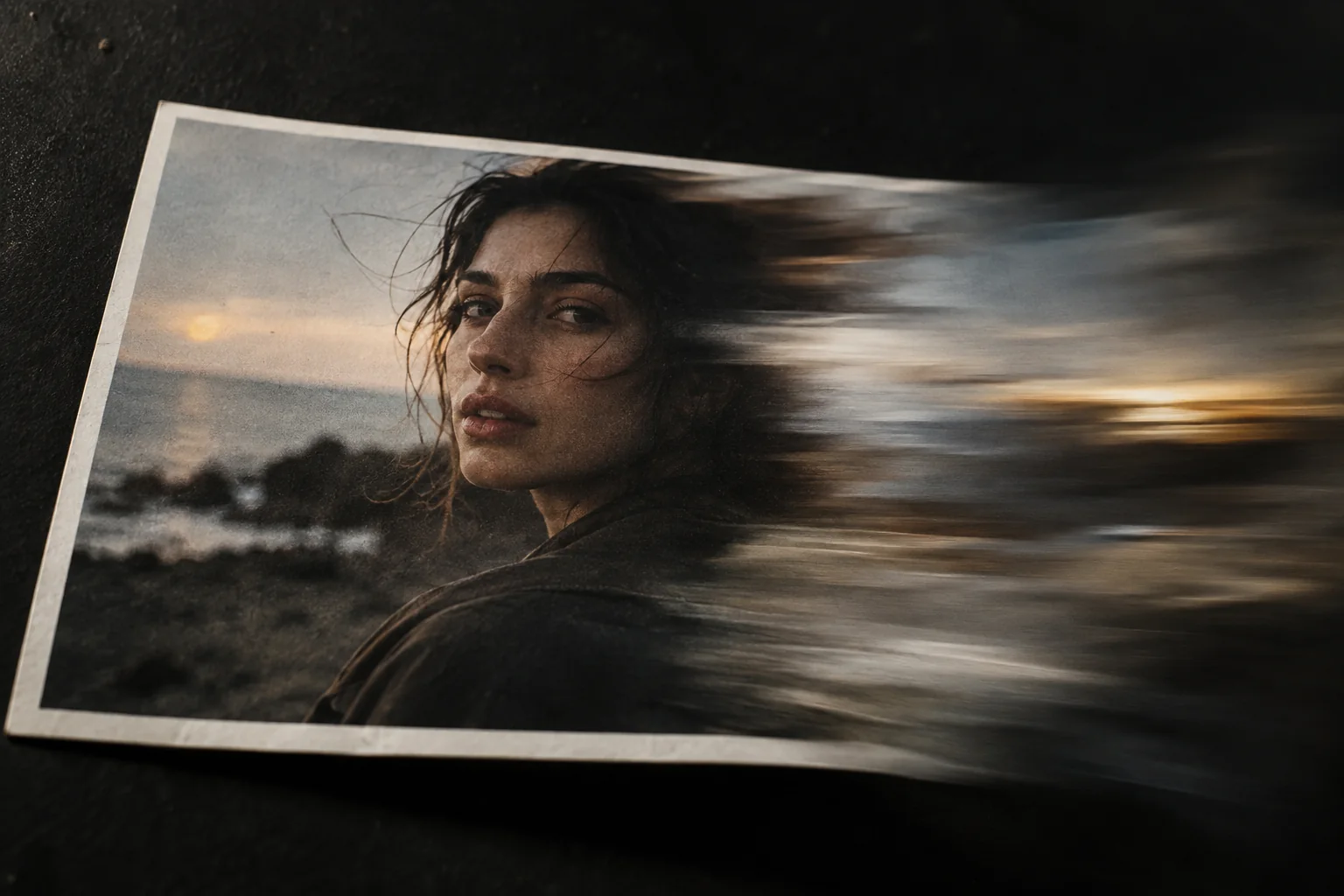
Every photo to video run starts from the same simple upload box and ends with a clip you are proud to post. Adjust motion strength, camera drift, and clip length with plain-language controls, then preview each change instantly in your browser. Styles range from subtle Ken Burns pans to lively cinemagraph loops, so portraits, products, pets, and places each get movement that fits the mood.

Drop in any JPG, PNG, or WebP and let photo to video automation do the heavy lifting. The engine maps depth, picks a natural camera path, and renders a smooth clip while you watch. Tweak strength or direction with two sliders, re-render in seconds, and keep iterating until the movement feels right — no keyframes, masks, or manual tracking ever required.

One-Click Animation

HOW IT WORKS

From upload to share in three steps

Making a photo to video clip takes less time than brewing coffee. First, upload a still from your phone or desktop — portraits, food, storefronts, and screenshots all work. Next, preview motion styles and dial in pace and length. Finally, export and post straight to your favorite platform, or save the project to remix later.

HOW IT WORKS

Making a photo to video clip takes less time than brewing coffee. First, upload a still from your phone or desktop — portraits, food, storefronts, and screenshots all work. Next, preview motion styles and dial in pace and length. Finally, export and post straight to your favorite platform, or save the project to remix later.

  • Upload any JPG, PNG, or WebP still
  • Pick a motion style and set the pace
  • Preview every change instantly in your browser
  • Export watermark-free HD on paid plans
Card illustration in dark mode

Ready to animate your first still?

Join thousands of creators turning quiet stills into clips that stop the scroll. Start free today — three runs a day are on us, and your first moving memory is less than a minute away.

STATS

Made for everyday creators

From first upload to first viral clip, creators lean on fast renders, friendly pricing, and styles that flatter every still.

+1200

Active creators

22 Million

Videos rendered

+500

Teams

POWERED BY

Modern AI on dependable infrastructure

Each photo to video render runs on managed GPUs behind a fast global edge network, so uploads start instantly and downloads stay snappy worldwide. The same dependable stack handles secure sign-in, safe file storage, and smooth checkout when you upgrade.


AI & LLMs

Motion and depth models turn stills into believable movement with natural pacing and clean edges.

Stripe

Secure checkout and customer portal for upgrades, invoices, and cancellations.

Cloudflare

Global edge network keeps uploads fast and clips available near every viewer.

React 19

Instant previews and smooth interactions, rendered fast on every device.

TypeScript

Strict types from upload to export keep renders reliable and bugs rare.

Google AI

Additional smart models help with captions, tags, and content ideas.

Photo to Video logo

Your stills, ready for every feed

Export the right size for each platform — vertical for TikTok and Reels, square for grids, widescreen for YouTube. One upload becomes a week of posts, ads, and stories without reshooting anything.

Pricing

Start free with three runs a day, then upgrade for watermark-free HD and unlimited creativity. No hidden fees, cancel anytime.

Free

Free

For casual creators: three free runs every day with watermark and resolution limits.

Get Started For Free

  • 3 runs per day
  • 720p exports with watermark
  • Core motion styles
  • MP4 downloads
  • Community support
  • Watermark removal
  • HD exports
  • Priority render queue
Popular

Pro

$12/month

For creators who publish every week: unlimited photo to video runs with no watermark, full HD exports, and priority rendering.

Get Started

  • Unlimited runs, no watermark
  • Full HD 1080p exports
  • All motion styles
  • Priority render queue
  • Commercial license
  • Lifetime updates

Lifetime

$99

Pay once and create forever. Every Pro perk plus all future motion styles, locked at $99 with no subscription.

Get Started

  • Everything in Pro
  • All future motion styles
  • Commercial license
  • Priority support
  • Early access to new tools

    FAQs

    Questions, answered

    TESTIMONIALS

    Creators on turning stills into clips

    M

    Maya R.

    Content Creator

    I post daily Reels from old travel stills now. The motion looks filmed, not filtered, and each clip takes me about a minute from upload to export. My watch time doubled in three weeks.

    D

    Daniel K.

    Etsy Seller

    Product photos that used to sit still now drift and zoom like mini commercials. I make five listing videos in the time one photoshoot took, and conversion on animated listings is clearly higher.

    A

    Alex Chen

    Realtor

    Listing photos become walkthrough-style teasers overnight. Buyers linger longer on my pages, and sellers love seeing their homes presented with movement. The HD exports look sharp on every screen.

    M

    Maria Garcia

    YouTuber

    Thumbnails and B-roll from a single still — this app fills gaps in my edits without stock footage subscriptions. The pacing controls are simple, and renders finish before my coffee cools.

    S

    Sam Wilson

    Marketing Lead

    Our team ships a week of social ads from one shoot day. Brand-safe motion, clean HD files, and a commercial license mean legal never blocks us. It paid for itself in the first campaign.

    J

    Jordan Lee

    Indie Maker

    I animate screenshots and product shots for launch posts without touching an editor. Setup took minutes, the free plan proved the value, and Pro was an easy yes at twelve bucks a month.